The short answer: xTool gives you more machine for the money, a wider range, offline software and LightBurn compatibility on most models. Glowforge gives you the gentlest first hour and a workflow that never asks you to understand focus or power settings. For anything commercial, xTool; for a pure craft hobby, Glowforge is defensible.
This is a brand decision rather than a machine decision, so it is worth separating what is genuinely different from what is marketing.
Range
xTool sells diode machines from entry level to 40 W, a 55 W CO2, fiber and MOPA galvos, and dual-laser machines. Glowforge sells a much narrower line of CO2 and diode craft machines. If you expect to own two machines eventually, one brand can supply both.
Software and ownership
| xTool | Glowforge | |
|---|---|---|
| Own app | xTool Studio, installed locally | Browser-based, runs on their servers |
| LightBurn | Supported on most models | Not supported |
| Works offline | Yes | No |
| Material settings | Large tested library, editable | Proofgrade materials auto-detected |
| Learning curve | An hour or two | Minutes |
| If the company changed its terms | Machine keeps working | Depends on the service |
The materials question
Glowforge’s Proofgrade system is a genuine convenience: the machine reads a code on the sheet and applies the right settings. It is also a recurring cost, and it is optional — you can use your own stock and enter settings manually. Treat it as a service you can stop paying for, not a lock-in.
What I would tell a friend
If somebody tells me they want to make things with their kids on a Saturday, I send them to a Glowforge Aura and they are happy. If somebody tells me they want to sell at a market next spring, I send them to an xTool S1, because in six months they will want LightBurn, a rotary and a bed that takes a 498 mm blank.
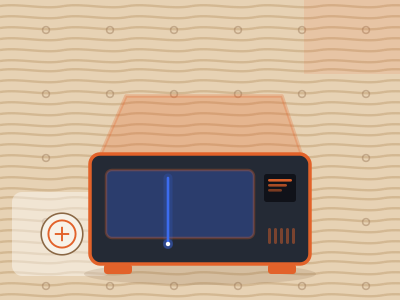
xTool S1 40W
Enclosed, 40 W, offline, LightBurn, infrared module available later. The machine most likely to still be the right machine in three years.
Check price on Amazon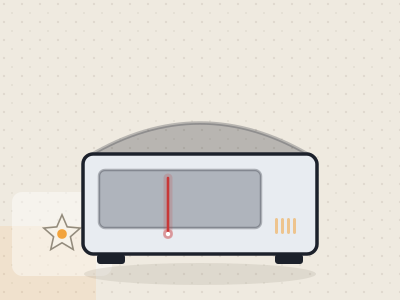
Glowforge Aura
The friendliest introduction to laser work sold. Small, quiet, and genuinely delightful for craft projects — as long as you accept the power ceiling and the internet requirement.
Check price on AmazonQuestions people also ask
Is xTool better than Glowforge?
For capability per dollar, range and software freedom, yes. For first-hour simplicity, Glowforge is still the easiest thing to start with.
Can Glowforge machines use LightBurn?
No. Glowforge machines run only through Glowforge's own browser software.
Do xTool machines need an internet connection?
No. They run locally through xTool Studio or LightBurn, which matters if your workshop has poor Wi-Fi or you have deadlines.
Do I have to buy Proofgrade materials for a Glowforge?
No. Proofgrade sheets carry settings the machine reads automatically, which is convenient, but you can use your own material and set parameters yourself.